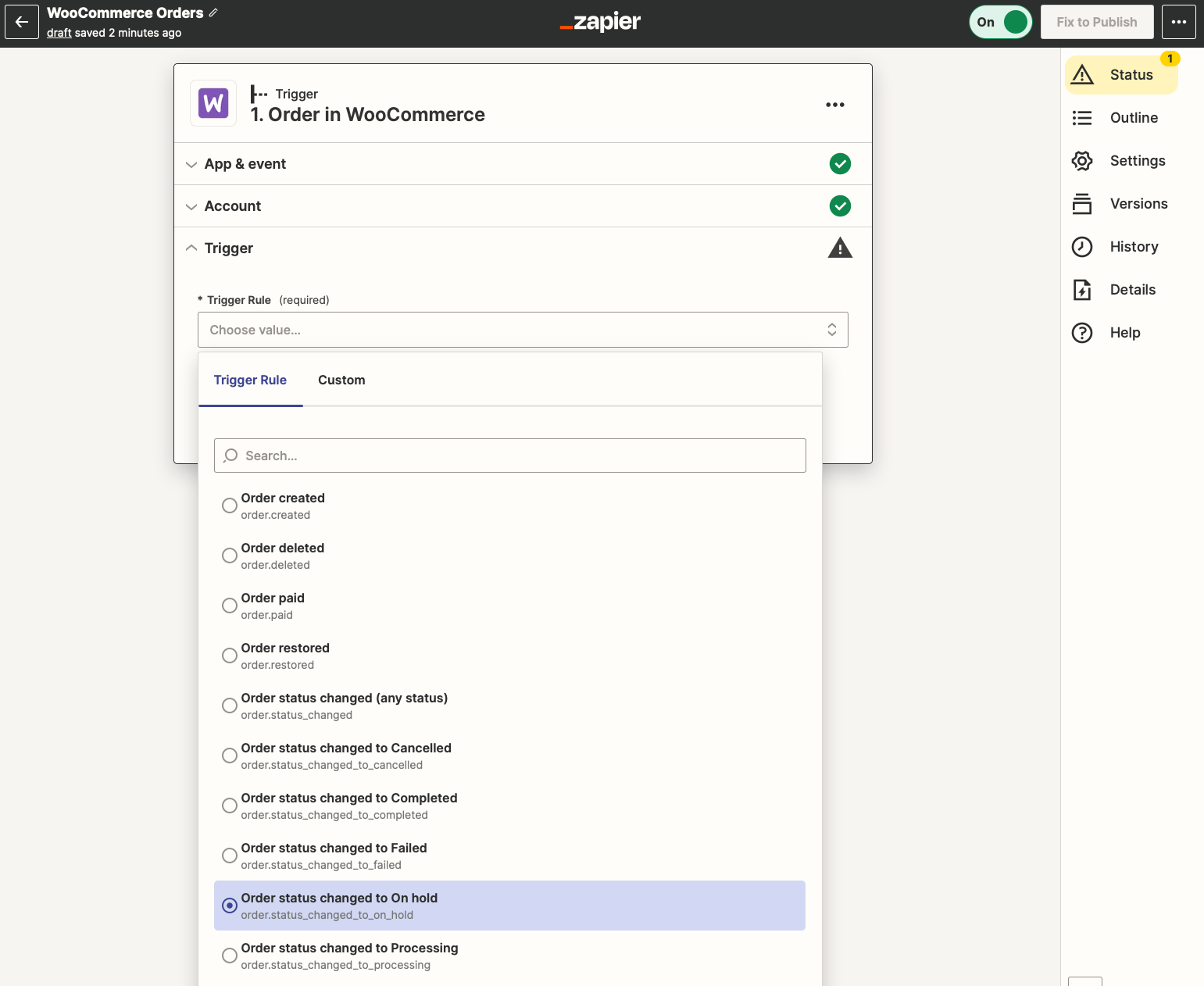

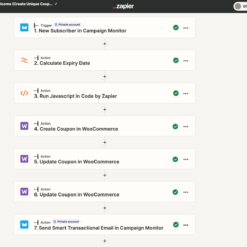
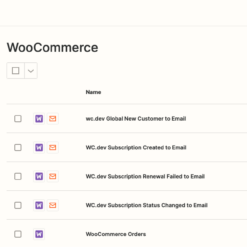
Find Out More About WooCommerce Zapier Integration
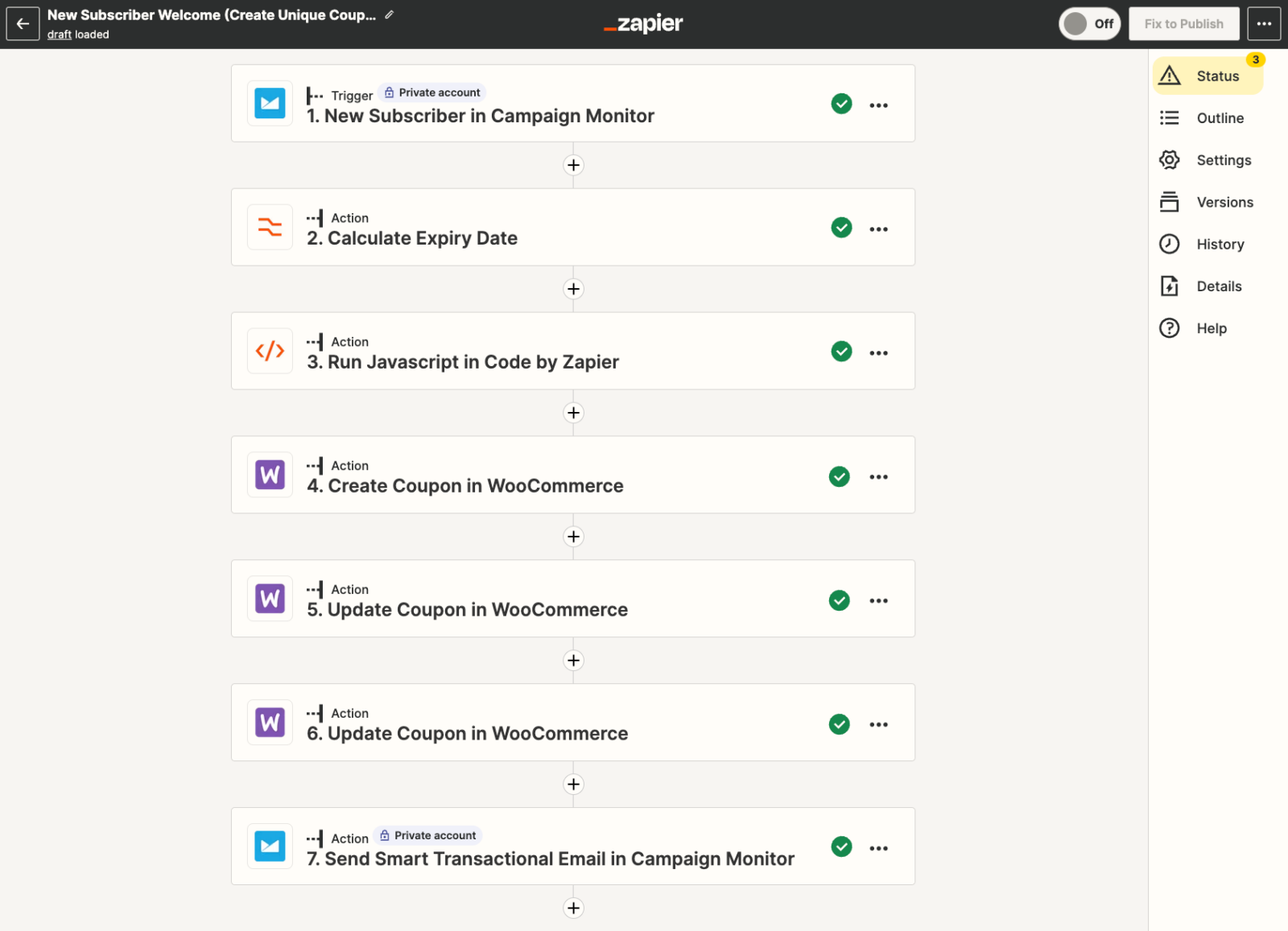
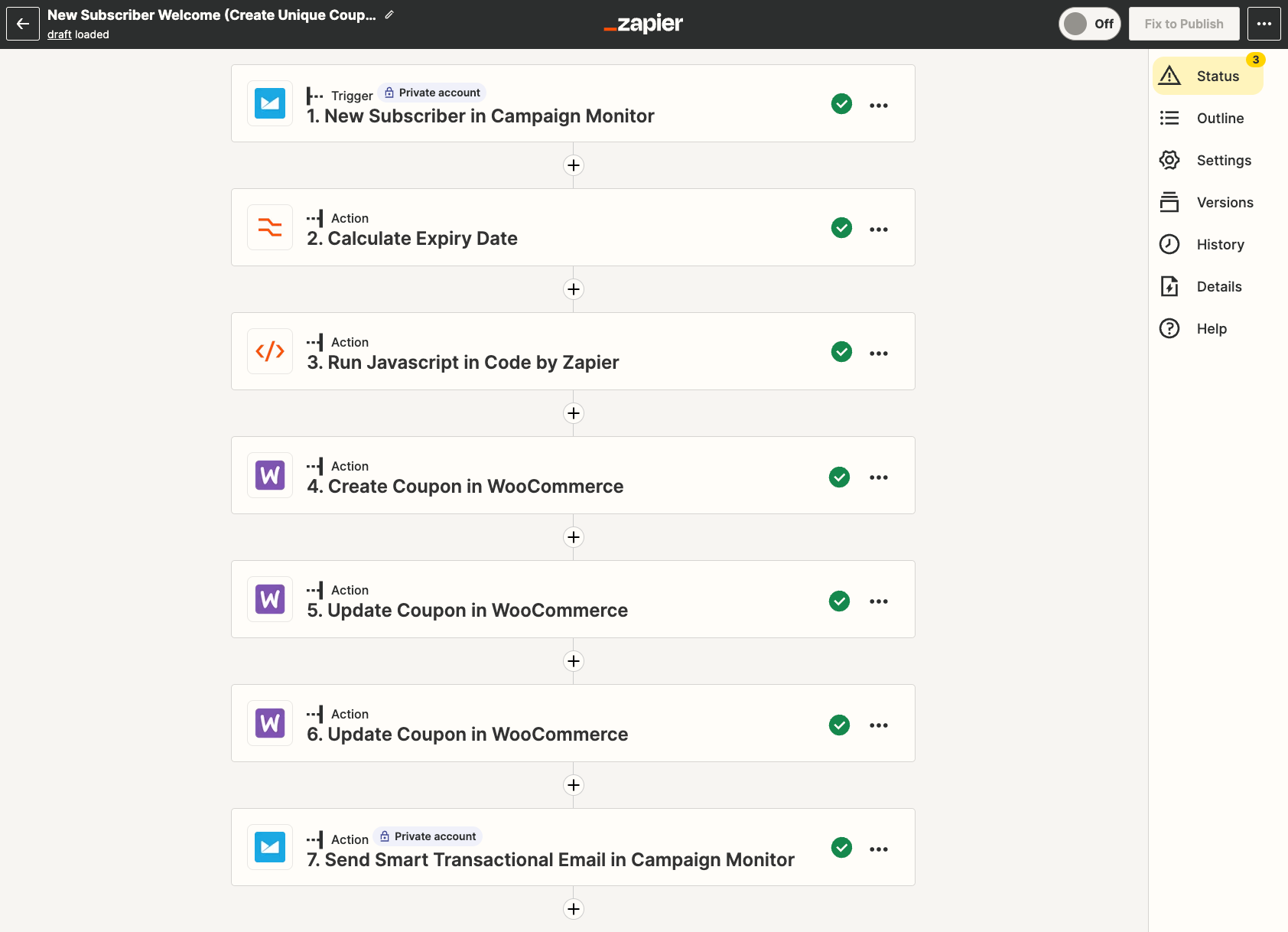
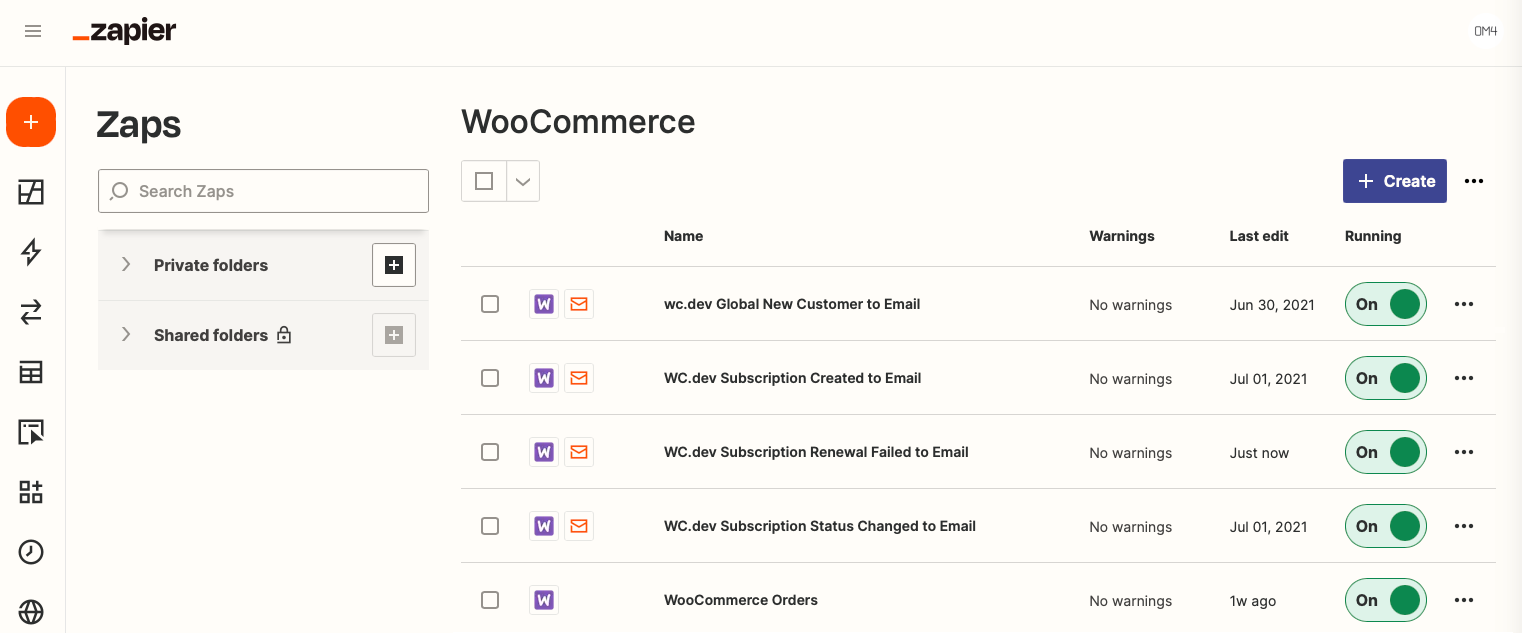
WooCommerce Zapier Integration is an useful plugin for you because it saves time by instantly delivering WooCommerce order, customer and subscription data to 500+ web services, such as Google Drive, Dropbox, Zendesk, MailChimp, Campaign Monitor, FreshBooks and many others.
More than this, you now have the possibility to speed up your processes by allowing Zapier extension do the work for you, quickly. Rather than making the same changes every time a new order comes in, a new client makes a purchase or an order’s status modifies, create an automation once and let it run permanently.
Additionally, you can effectively inform the right people of your team by setting up filtering on notifications. In this way, only the relevant people will receive notifications if any change appears. Furthermore, with the help of this plugin, you can understand how your store is performing with daily, weekly or monthly reports that you will constantly receive.
WooCommerce Zapier Integration Features
- Flexibility. You can filter zap notification to particular users, groups or teams
- Safety. Direct the information that your WooCommerce has to Zapier over an encoded connection
- It supports WooCommerce Checkout Field Editor, making it possible for you to utilize your custom WooCommerce checkout fields in your zaps
- Contains WordPress filters so that other WordPress plugins can override or personalize the WooCommerce data that is delivered to Zapier
- It supports WooCommerce Subscriptions, enabling you to execute tasks each time you produce, restore or modify a subscription
- It uses changes in WooCommerce order, client and subscription data as triggers for Zapier automations
- Notifications Feature – Set up filtering on notifications so that the information if any change appears gets only to the relevant members
- Contains WordPress filters so that other WordPress plugins can override or personalize the WooCommerce data that is sent to Zapier Extension.
Triggers
Triggers
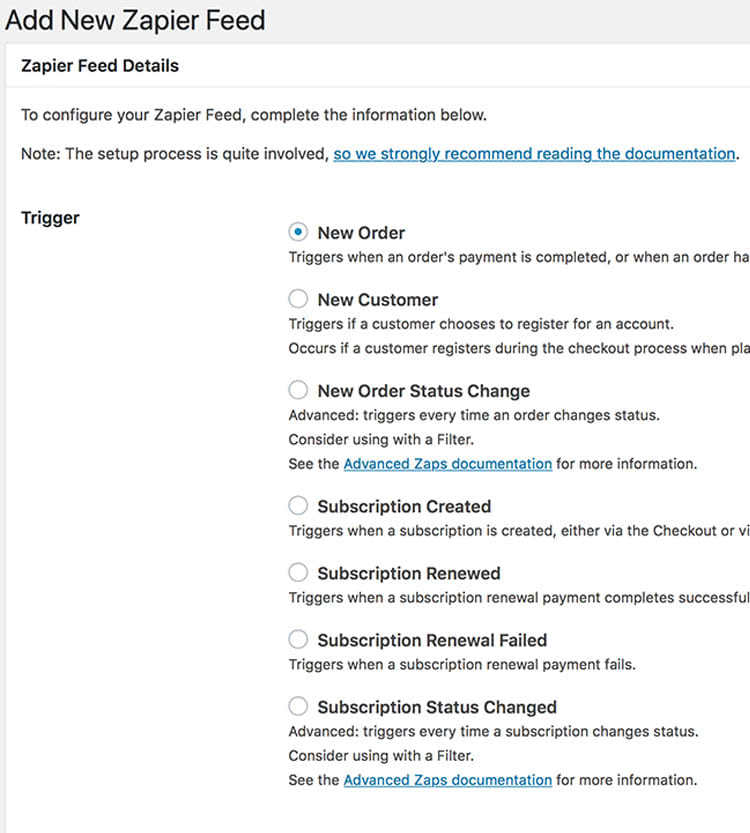
- Here are some example of triggers this extension comes up with:
- Subscription Created. Whenever you generate a subscription, it shows up both via the Checkout or via the REST API.
- New Order. It appears when a payment for a purchase is finished or when the status of an order modifies to Processing.
- Subscription Renewed. It activates when a subscription renewal payment completes efficiently and it is only available when you trigger WooCommerce Subscriptions extension.
- New Customer. Triggers when a client makes an account, for instance, to store details for future purchases.
- Subscription Renewal Failed. It appears when a subscription renewal transaction fails and it is only accessible when you initialize WooCommerce Subscriptions extension.
- Subscription Status Changed. It triggers every time a subscription modifies its status. You have to consider using a filter and this trigger is obtainable only when you activate the WooCommerce Subscriptions extension.


edendvatri321 –
If you want high secure choose this because your data is always sent over an encrypted connection!!
lipasimone –
Thank you very much, the secure is really high…
martindumas8 –
If you want to save time by automatically sending, choose this product by Effectio!!
sekstefani –
If you want encrypted connection, this is what you can choose!!